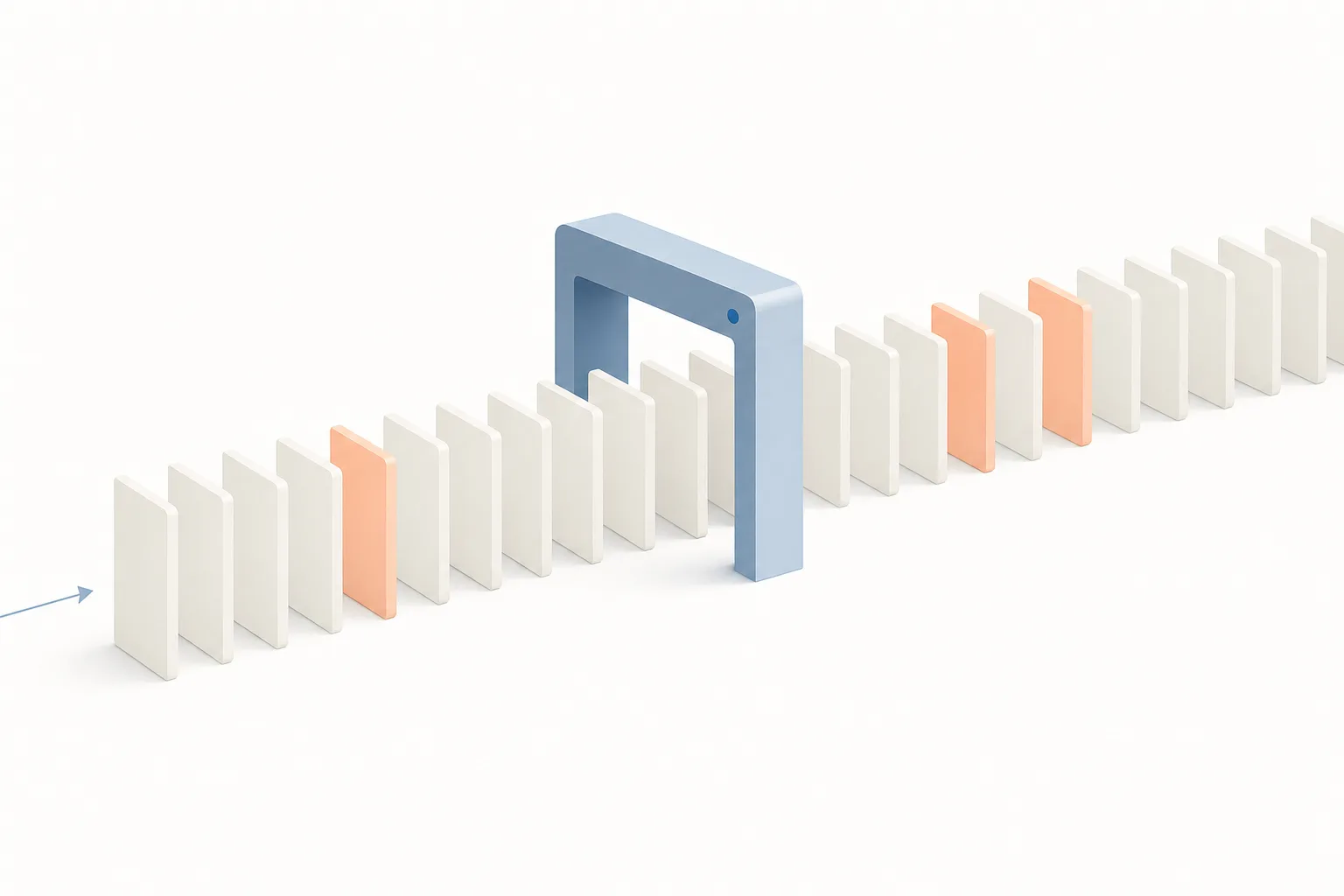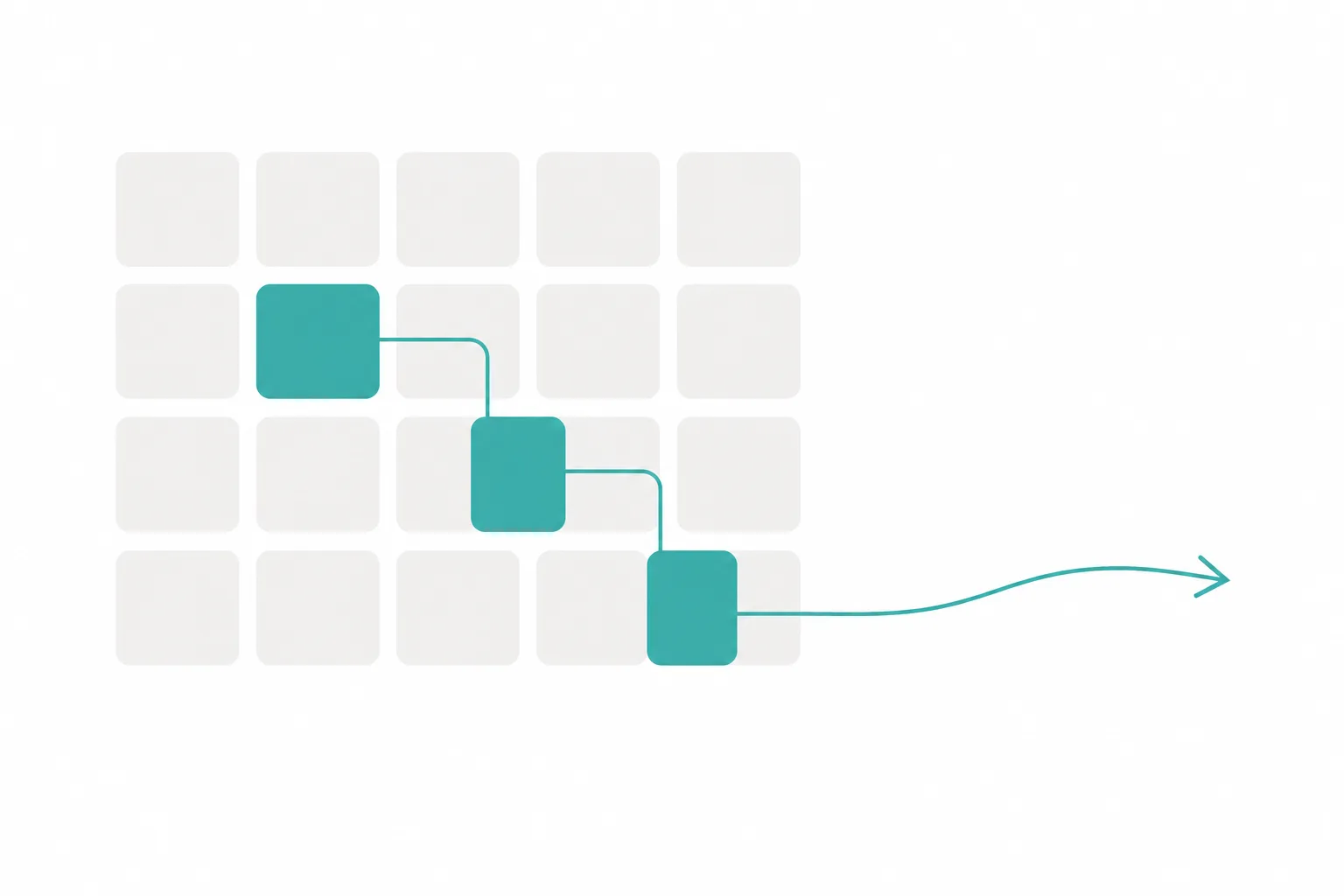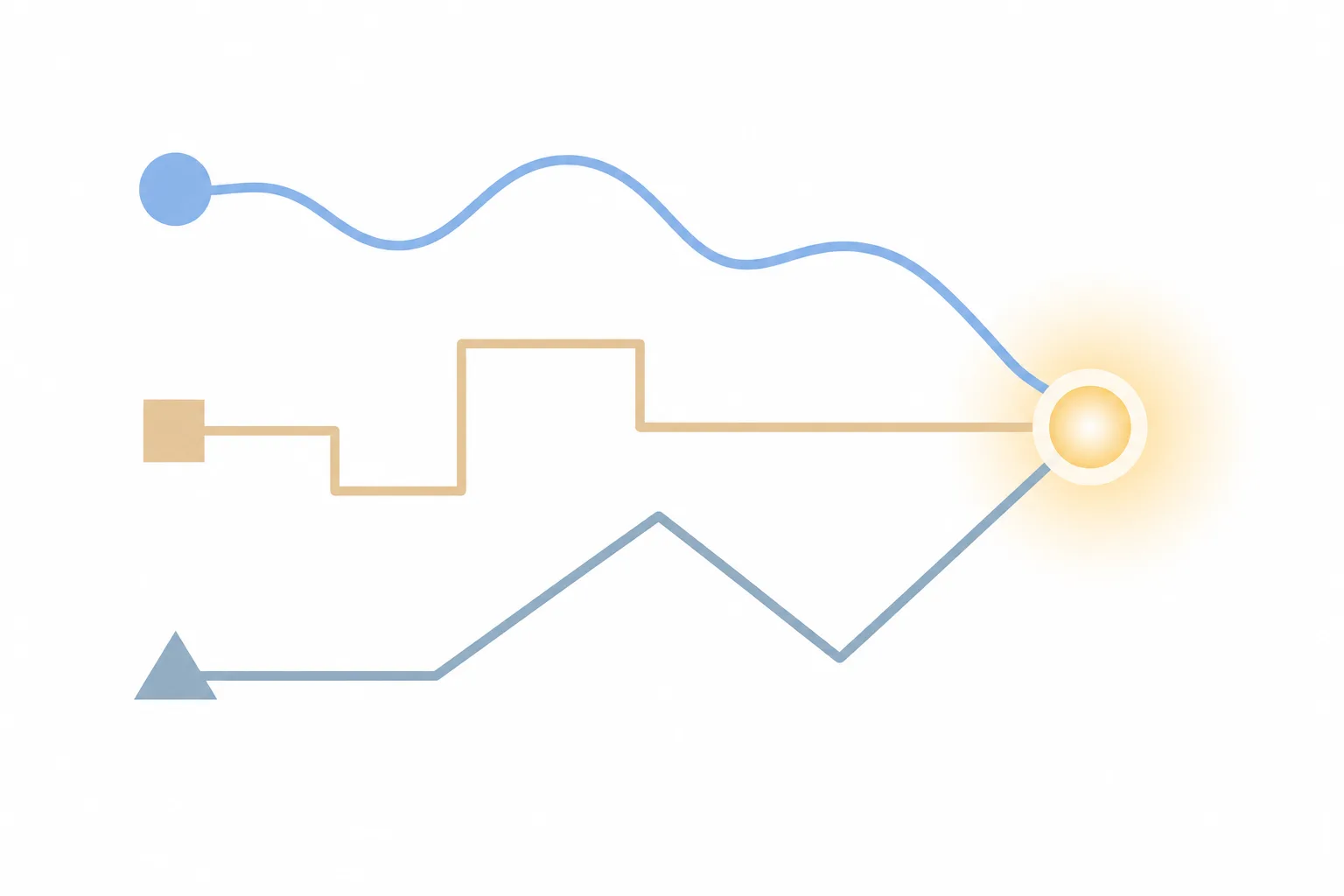

Many businesses that start using AI to draft customer replies add a safety net: a person reads each draft before it is sent. It sounds sensible, and it usually is. But a review step that exists only on paper gives a false sense of safety. The draft looks fluent, the queue is long, and the reviewer clicks send.
The problem is rarely that people are careless. It is that the review was never designed. Nobody decided what the reviewer should check, what they need on screen, or when they are allowed to stop and say no. Below are seven mistakes we see businesses make with this step, and what to do instead.
Mistake 1: Treating every reply as equally risky
The first instinct is to apply one rule to everything: either every reply is reviewed, or none is. Both extremes cause trouble. Reviewing everything with the same care is slow, so people start skimming. Reviewing nothing means a wrong answer about a refund or a delivery date goes out under your name.
How to avoid it: sort reply types into tiers by what could go wrong.
- Low risk: acknowledging a message, confirming opening hours, sharing a published link. These can often be sent after a light check, or sampled later.
- Medium risk: order status, appointment changes, product comparisons. A person reads the draft against the source information.
- High risk: complaints, refunds, pricing exceptions, contracts, health or safety questions, anything with legal weight. A person writes or substantially rewrites the reply, and the AI only suggests a starting point or does nothing.
Write the tiers down in plain language so a new team member can apply them on day one.
Mistake 2: Showing the reviewer only the draft
If the reviewer sees only the AI's reply, they are judging whether it reads well, not whether it is right. A polished paragraph can be completely wrong about a customer's situation.
The reviewer needs to see, side by side:
- the customer's original message, in full;
- the relevant customer or order details from your system;
- the policy, price list or document the draft relied on;
- any earlier messages in the conversation.
For example, imagine a furniture shop whose AI drafts a reply promising delivery next week. If the reviewer cannot see that the item is on backorder, the reply looks perfectly reasonable and goes out wrong. Put the facts next to the draft, and review becomes a comparison instead of a proofreading exercise.
A review step only protects you when the reviewer can see the facts, knows what to check and is free to reject the draft. Without those three things, it is just a delay before the same mistake gets sent.
Mistake 3: Giving reviewers no checklist
"Check it looks okay" is not an instruction. Different people will check different things, and the same person will check different things on a busy afternoon.
How to avoid it: give reviewers a short, fixed checklist, ideally five or six items, shown next to every draft:
- Does it answer what the customer actually asked?
- Is every fact (price, date, policy, name) confirmed by the source shown?
- Does it promise anything we have not agreed to, such as refunds, discounts or deadlines?
- Is the tone right for this customer and this situation?
- Is anything missing that the customer will need to ask about next?
A short checklist is more likely to be used than a long one. If you find reviewers skipping items, shorten the list or move that check into the system.
Mistake 4: Letting the draft hide its own uncertainty
AI tools tend to write confidently, even when the information they were given is thin. A guess and a verified fact look identical on the page. This is the same root problem we describe in website AI assistants that make things up, only here a person has a chance to catch it.
How to avoid it: design the workflow so uncertainty becomes visible.
- Instruct the system to list which source document or record each factual claim came from.
- Have it flag drafts where it found no matching source, rather than filling the gap.
- Mark those drafts clearly so the reviewer slows down for them.
Reviewers should be able to trust the absence of a flag a little, and never trust it completely.
Mistake 5: Making it awkward or risky to reject a draft
If rejecting a draft means filling in a form, rewriting from scratch in a hurry, or explaining yourself to a manager, people will approve borderline drafts. Targets such as "replies sent per hour" make this worse, because they reward speed over accuracy.
How to avoid it:
- Make "edit", "reject" and "escalate" as easy as "approve".
- Tell the team plainly that a rejected draft is a useful result, not a failure of the reviewer.
- Name who handles escalations, so the reviewer is not left guessing who to ask.
- If you measure the team, include accuracy and customer follow-ups, not only speed.
Mistake 6: Throwing away what reviewers learn
Every time a reviewer corrects a draft, they are telling you something: the AI misread a policy, used the wrong tone, or lacked a document. If those corrections vanish once the reply is sent, the same errors will return next week.
How to avoid it: capture a simple reason whenever a draft is changed substantially. A short pick-list works better than free text: wrong fact, wrong tone, missed the question, promised too much, missing information. Review the tally regularly, say monthly. Patterns usually point to a specific fix, such as updating a source document, tightening the instructions, or moving a reply type up a risk tier.
Mistake 7: Setting the review level once and never revisiting it
Some businesses launch with heavy review, never change it, and eventually drown in it. Others relax it after a good first month and stop looking. Both are the same mistake: treating review as a launch decision rather than something you adjust with evidence.
How to avoid it:
- Before launch, run the system against a set of real past messages and see where it fails. Our guide to testing an AI automation before launch walks through how to build that set.
- Relax review for a reply type only when your correction records show it is consistently right, and move to sampling rather than switching the check off entirely.
- Tighten review again when something changes: a new product, a new policy, a different AI model, or a spike in complaints.
- Keep sampling even the "safe" tier. Reading a handful of sent replies each week catches drift early.
Concrete takeaways
- Sort reply types into risk tiers and decide in advance how each is reviewed.
- Show reviewers the customer message, the account details and the source the draft relied on.
- Give them a short fixed checklist and make approve, edit, reject and escalate equally easy.
- Require the system to show its sources and flag when it has none.
- Record why drafts get changed, and use the pattern to improve the setup.
- Revisit the review level on a schedule and whenever your products or policies change.
If you are only going to do one thing this week, take twenty recent customer messages, run them through your current setup, and watch how a reviewer actually handles the drafts. You will learn more from that than from any policy document.
If you would like help designing a review step into an AI reply workflow, you are welcome to get in touch with us through our AI automation service page.
Frequently asked questions
Do we still need human review if the AI is usually right?
For low-risk replies, you can often move from reviewing every draft to sampling them, once your records show consistent accuracy. For anything involving money, commitments, complaints or sensitive topics, keep a person in the loop, because the cost of one wrong reply is higher than the time saved.
Who should review AI-drafted replies?
Ideally someone who already knows your products, policies and customers, such as an experienced support or sales team member. A reviewer who cannot tell whether a draft is correct is only checking spelling. Give them clear authority to edit, reject or escalate.
Will a review step cancel out the time we save with AI?
Not if it is designed well. Reviewing a good draft with the facts beside it is usually quicker than writing from scratch, and risk tiers keep careful attention for the replies that need it. If review is consuming all the savings, that is a signal to look at which reply types are being drafted, not to remove the check.